
Most project-based businesses run on a patchwork of spreadsheets, task tools, accounting software and email. That approach becomes difficult to control as projects multiply. Margins slip, timesheets arrive late, and teams cannot see whether a project is profitable until it is over.
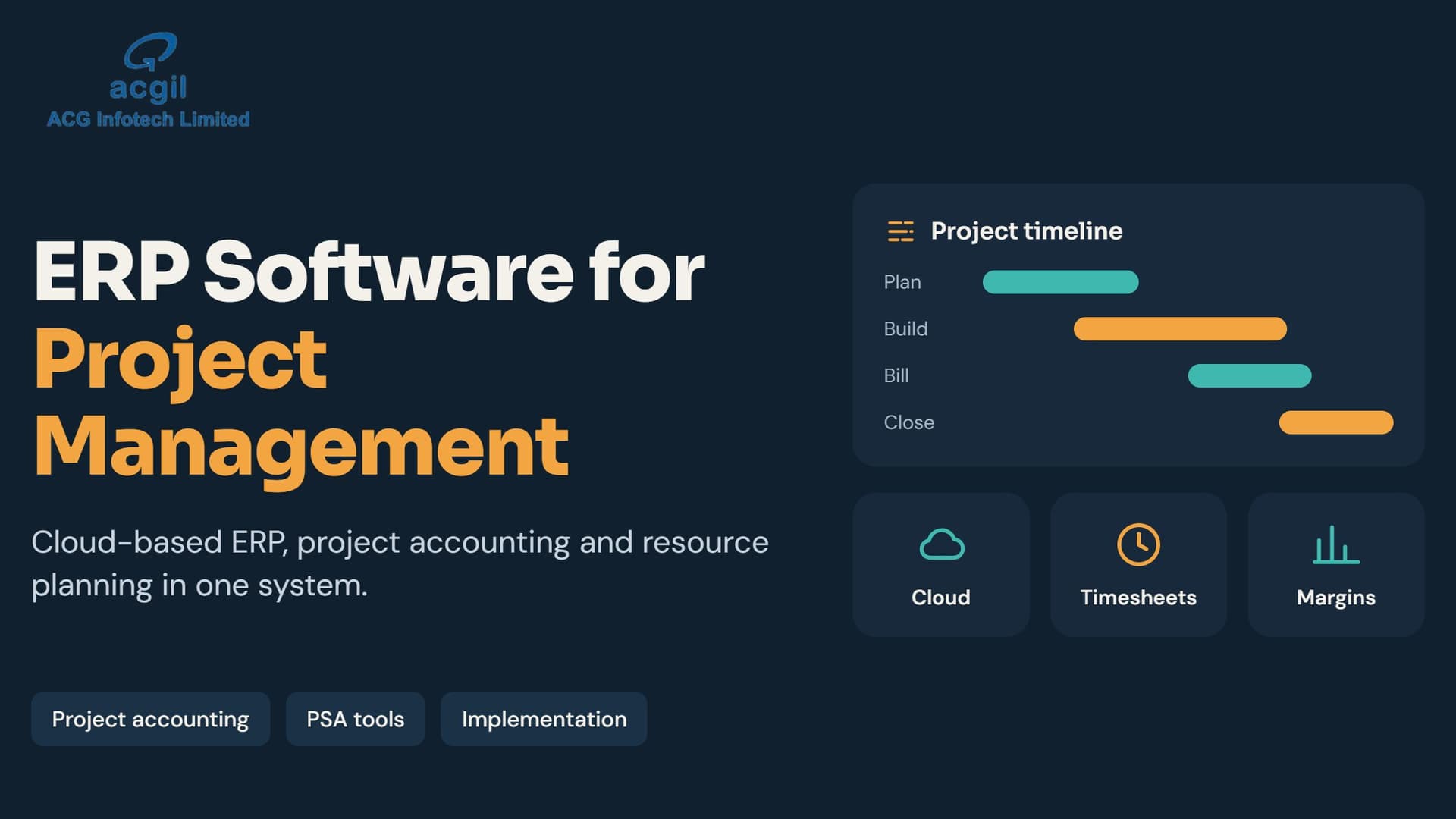
Project Management ERP Software closes this gap by connecting project delivery and company finances in one system. This guide explains what project-based ERP is, how it differs from standalone project tools, the capabilities to evaluate, and how to implement it successfully.
What Is Project Management ERP Software?
Project Management ERP software is an enterprise resource planning system built around projects as the central unit of the business. It connects finance, inventory, procurement, HR, contracts and billing to specific jobs, clients and milestones.
- Create projects with budgets, timelines, milestones and billing structures.
- Assign resources and track time against tasks.
- Charge purchase orders and expenses directly to projects.
- Invoice clients by milestone, time and materials, or fixed fee.
- See real-time project profitability while work is still running.
The key difference is that every transaction carries a project code. Cost, revenue and resource data flow into one ledger, so project reports and financial statements use the same numbers.
ERP for Project Management vs. Standalone PM Tools
Project management tools are built for coordination. They handle tasks, dependencies, Gantt charts, collaboration and status updates. ERP systems are built for resources and money: what the project cost, what has been billed, who is available and what the margin is.
| Capability | PM Tool | Project ERP |
|---|---|---|
| Task ownership and schedules | Strong | Basic to strong |
| Budget vs. actual visibility | Weak | Strong |
| Client billing from project data | Usually no | Yes |
| Project costs in the general ledger | No | Automatically |
| Purchase orders linked to projects | Limited | Yes |
Many growing businesses use both: the ERP is the system of record for money and resources, while a PM tool or built-in project module is the system of work.
Core Modules in a Project-Based ERP
- Project planning and scheduling: work breakdown structures, dependencies, milestones and baselines.
- Budgeting and cost control: budgets, committed costs, actuals and forecasts to completion.
- Time and expenses: timesheets, approvals and automatic allocation to projects.
- Resource management: capacity, utilization, skills and staffing requests.
- Billing and invoicing: fixed price, time and materials, milestone and retainer billing.
- Procurement and subcontractors: purchase orders, vendor contracts and project-linked payments.
- Financial management: general ledger, receivables, payables and consolidated reporting.
- Analytics: profitability, WIP, backlog, utilization and forecast accuracy.
How to Choose the Best ERP for Project Management
Look for project accounting depth, resource forecasting, simple time capture, real-time reporting, open integrations and the flexibility to support your billing models. Test every shortlisted system with real scenarios, such as a fixed-fee project with a change order, instead of relying on generic demonstrations.
Also evaluate implementation support, data migration, training, security, scalability and total cost of ownership over three to five years.
Cloud-Based Project Management ERP
Cloud deployment gives project managers, site teams and finance staff access to the same live information from anywhere. It reduces infrastructure work, provides automatic updates and makes integrations with CRM, payroll, documents and analytics easier. On-premise or hybrid deployment may still suit businesses with strict data residency, legacy customization or unreliable connectivity.
Project Management ERP Implementation Roadmap
- Define measurable goals such as improving margin visibility or reducing invoicing time.
- Map how projects are created, staffed, tracked and billed today.
- Separate must-have requirements from nice-to-have features.
- Demo shortlisted systems using real project scenarios.
- Plan data cleanup and migration before the rollout.
- Phase the implementation to reduce training and adoption risk.
- Measure results after go-live and refine workflows.
Frequently Asked Questions
What is project-based ERP?
A project-based ERP uses projects as the organizing structure, tracking costs, revenue, time, resources and procurement together.
Which ERP is best for project accounting?
The right choice depends on your industry, billing models, compliance needs, company size and implementation requirements.
Do you need both ERP and project management software?
Not always. Firms with complex billing, multiple projects and margin pressure usually benefit from ERP financial control alongside a PM tool for collaboration.
Final Thoughts
The right project management ERP turns scattered project data into a single view of cost, progress and profit. Start with your biggest operational problems, demo real scenarios and choose the system your team will use consistently.
If your projects are growing faster than your ability to track them, explore ACGIL Project Management ERP Software or book a free demo.